ParAAvis: a 3D parachute colour customizer — from a section’s colour to the factory’s order form
The buyer paints the canopy in 3D in the factory’s fabric colours and downloads a ready order form: 11 parachutes, 7 models of our own, each under 1 MB.
The task
ParAAvis makes parachutes, and almost every canopy is ordered in its own colours. The colours used to be chosen on the factory’s order form: fabric names were written into the boxes for each section and rib, and what the whole canopy would look like had to be imagined.
What was needed was a customizer right on the parachute’s page: turn the canopy, paint it with the fabrics the factory actually sews, and get a filled-in order form straight away.
Models from scratch
A model of its own for each canopy family. Our 3D modelling group built them in Blender from scratch. A model is split into zones — top, bottom, ribs, slider — and the zones into parts: individual panels and ribs.
The model and the site speak the same language. Object names in the model match the zone names in the CMS, so the customizer knows by itself which part of the canopy to paint, with no mapping tables. Related canopies share one model: the Ultimate model works for five parachutes.
How the customizer works
Zones and parts. In “zones” mode one click paints the whole top of the canopy or all the ribs at once; in “parts” mode, a single panel. The mesh of the part that is about to be painted shows through under the cursor.
Real fabrics only. The palette is the factory’s fabric catalogue from the CMS, each parachute’s default colours are set there too. The canopy can be turned and zoomed with a mouse or a finger, its zones pulled apart to look inside, and the picture saved.
Different canopies — one mechanism
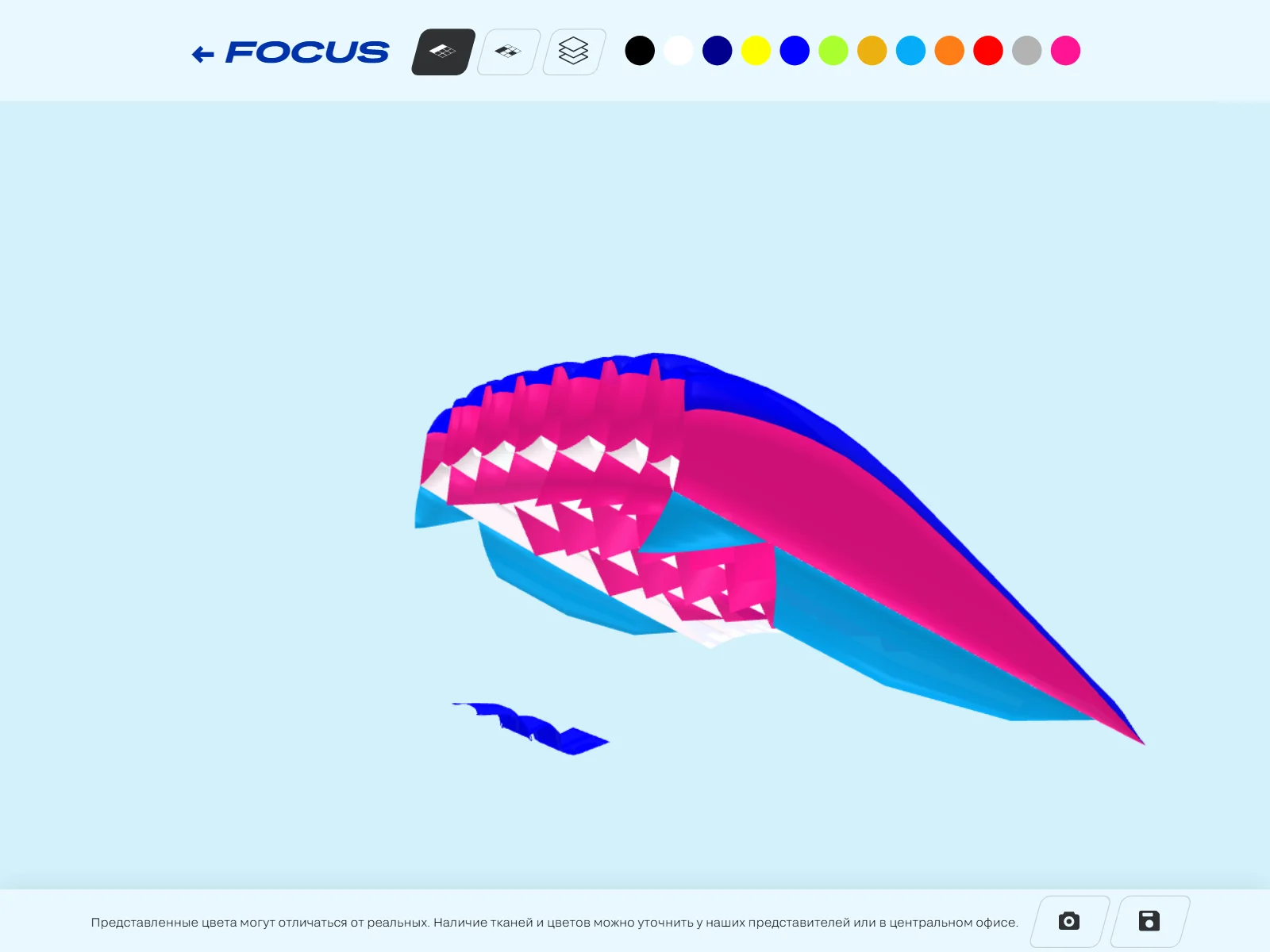
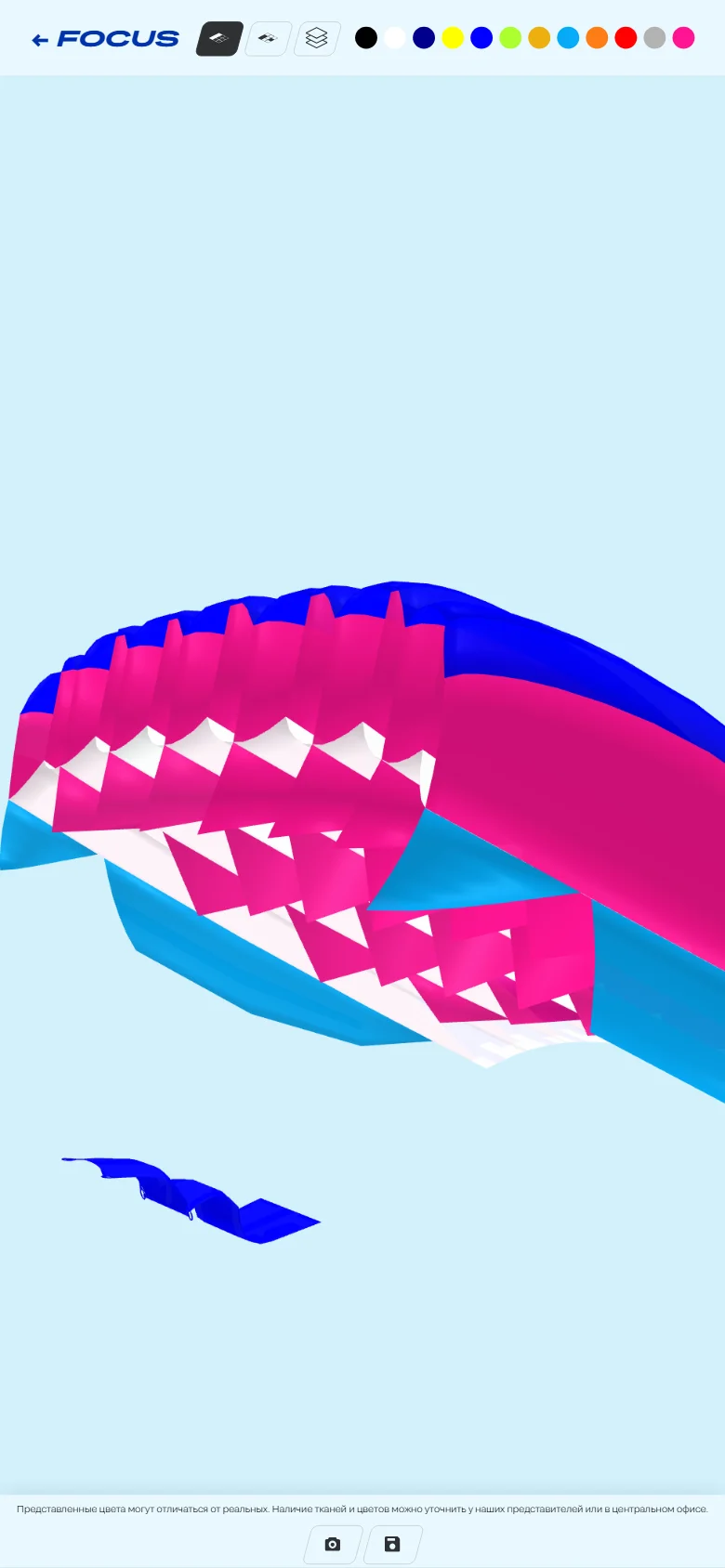
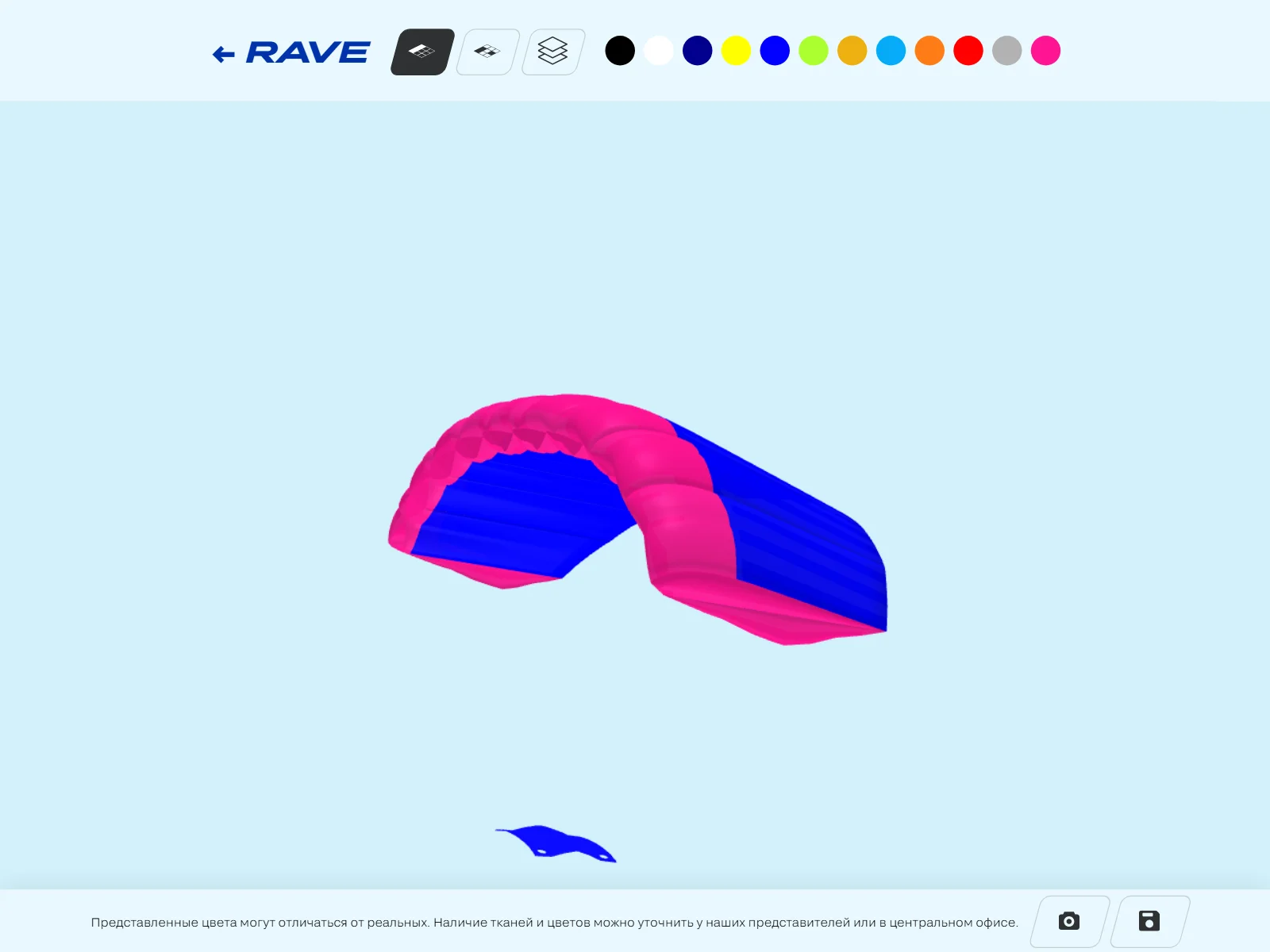
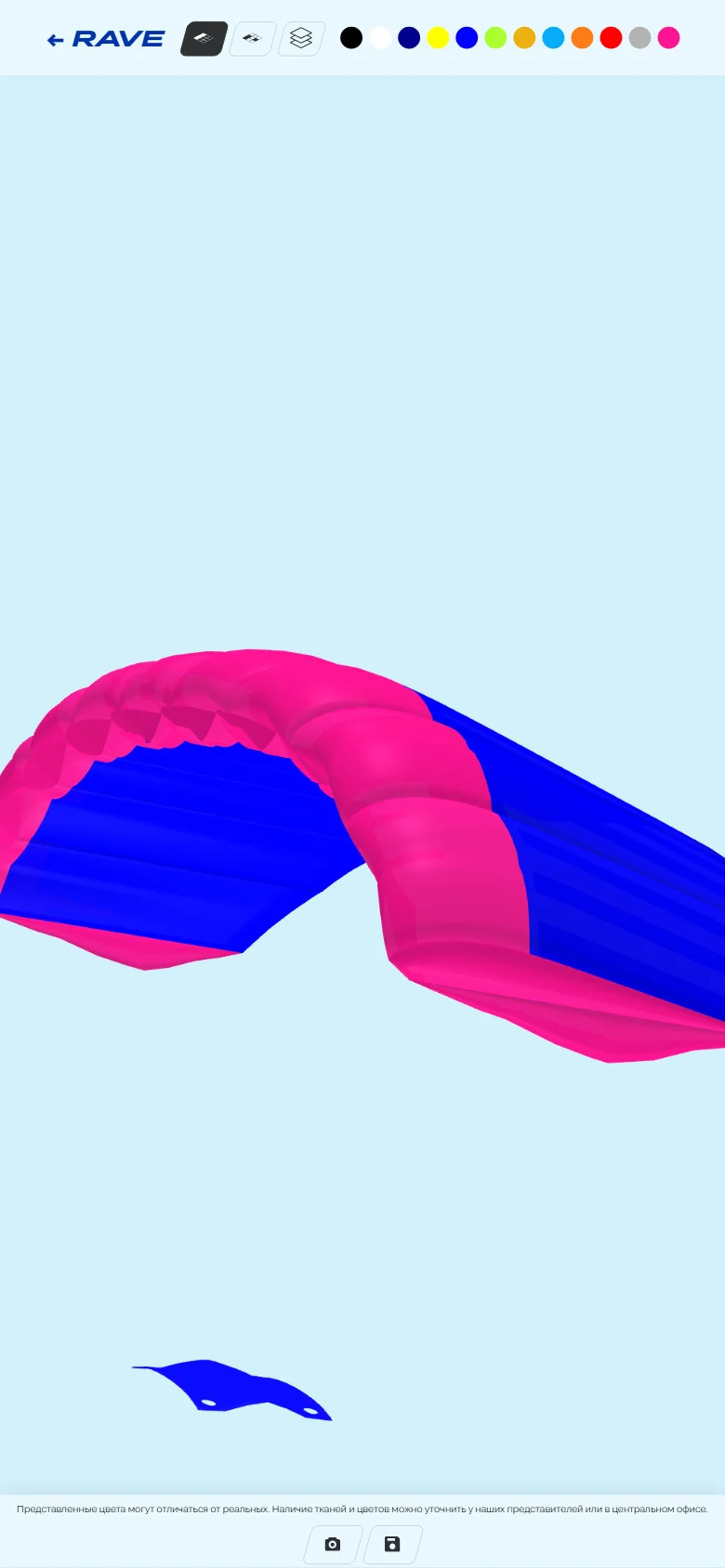
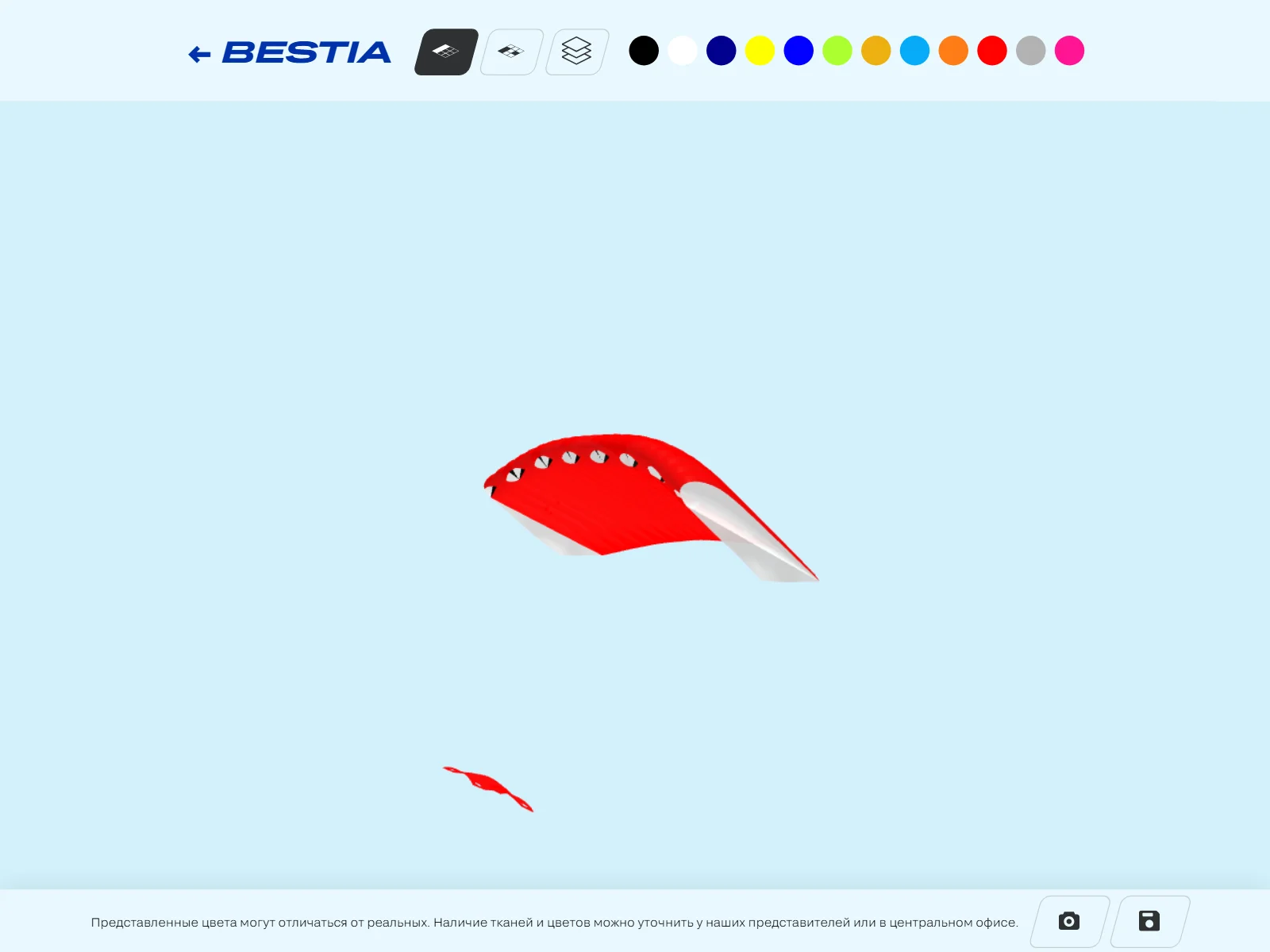
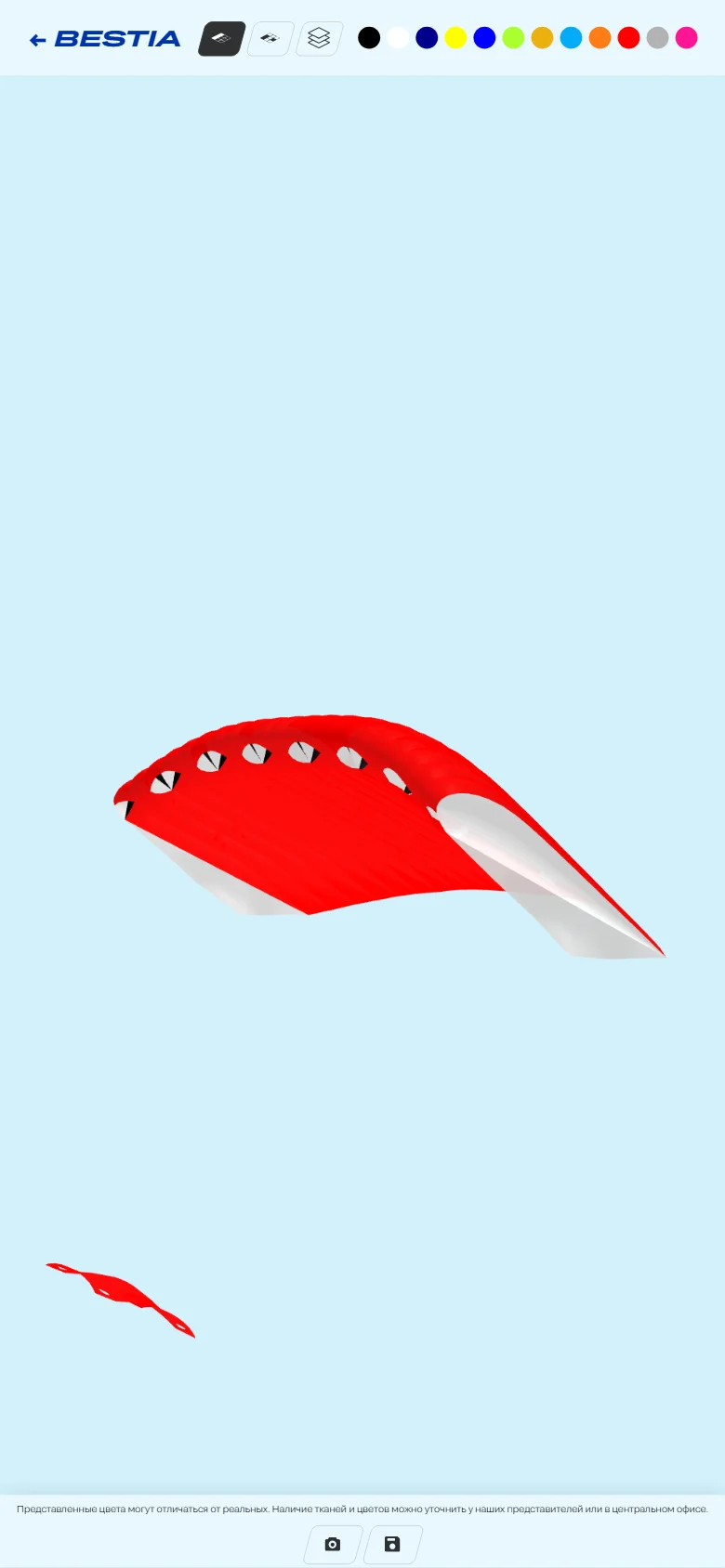
Focus, Rave and Bestia: each has its own model, and the customizer is the same
From the customizer to the order form
The floppy-disk button downloads the factory’s order form in Excel — the very form that used to be filled in by hand. The server finds the cells in the form by the names of the zones and parts and writes the chosen fabrics into them — by their catalogue names, not colour codes.
The model and the CMS
// every part of the model sits inside its zone: top, ribs, bottom, slider
loader.load(customizer.file, gltf => {
  gltf.scene.traverse(mesh => {
    if (!mesh.isMesh) return
    const area = mesh.parent.name               // zone name in the model = zone name in the CMS
    const fabric = customizer.areas[area].color // this canopy’s default fabric
    mesh.material = new THREE.MeshPhongMaterial({
      color: '#' + customizer.swatches[fabric].rgb,
      side: THREE.DoubleSide,
    })
  })
})
A new canopy in the customizer is a model from Blender and settings in the CMS, with no code changes.
Light models
The models have no textures: colour comes from the material and shape from the geometry, simplified in Blender to 15,000–25,000 triangles. A model file weighs 377 to 977 KB and loads only when the buyer opens the customizer — the parachute’s page itself gets no heavier.
More cases
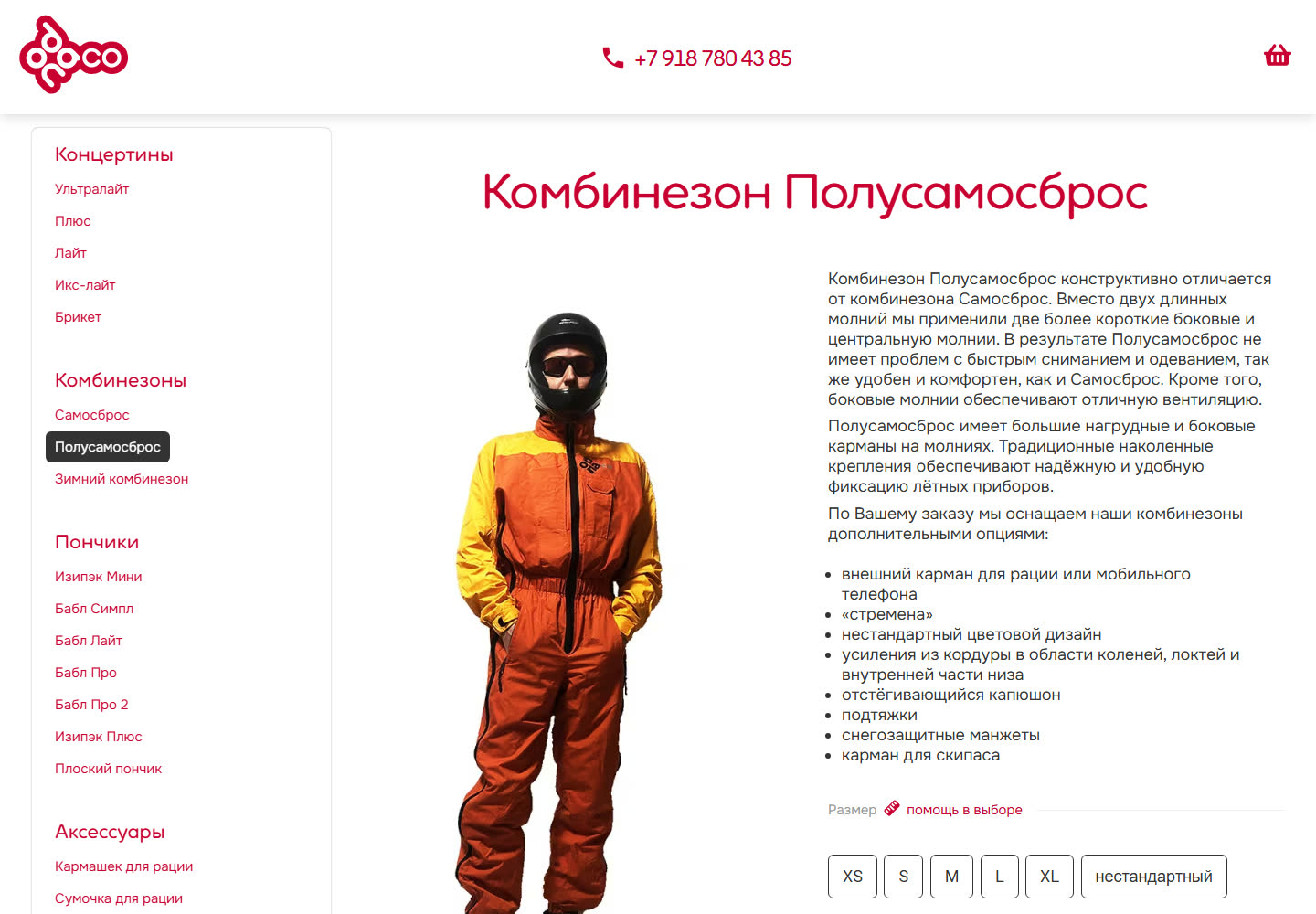
odnaco.me: a flight-gear shop — from RiotJS to web components
The catalogue and shop of a paragliding gear maker: made-to-order flight suits with a configurator, a cart, checkout and orders — on ProcessWire, with no off-the-shelf shop platform. The frontend, started on RiotJS 3, has been rewritten as native web components with no framework.
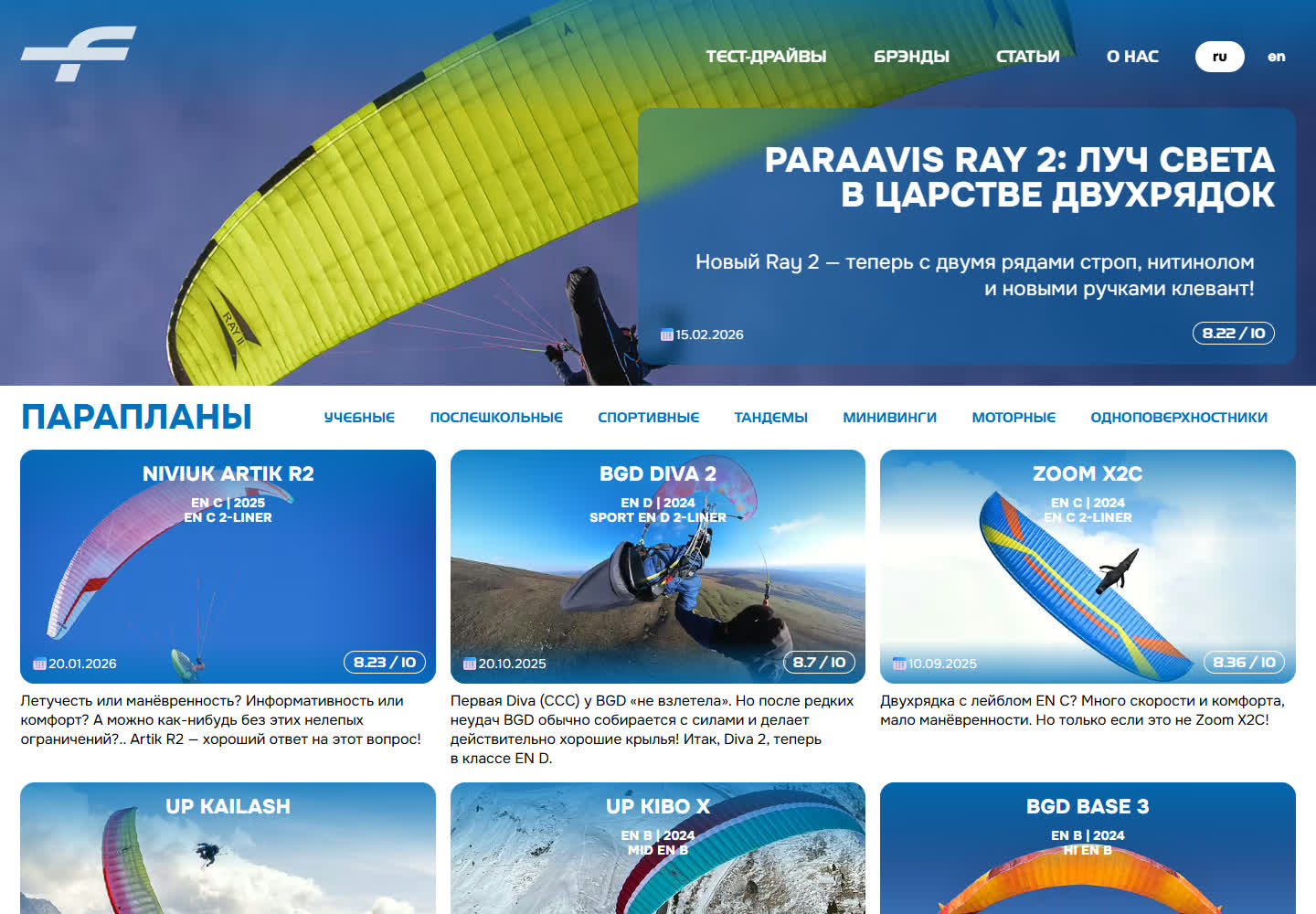
testfly.me: the test bed we prove our own solutions on, and a paraglider gear publication
Independent test reports on paragliders, harnesses and instruments — and our own site, where every new solution is proven on ourselves before it reaches a client project. OutputTransformer and StaticPages both started here.
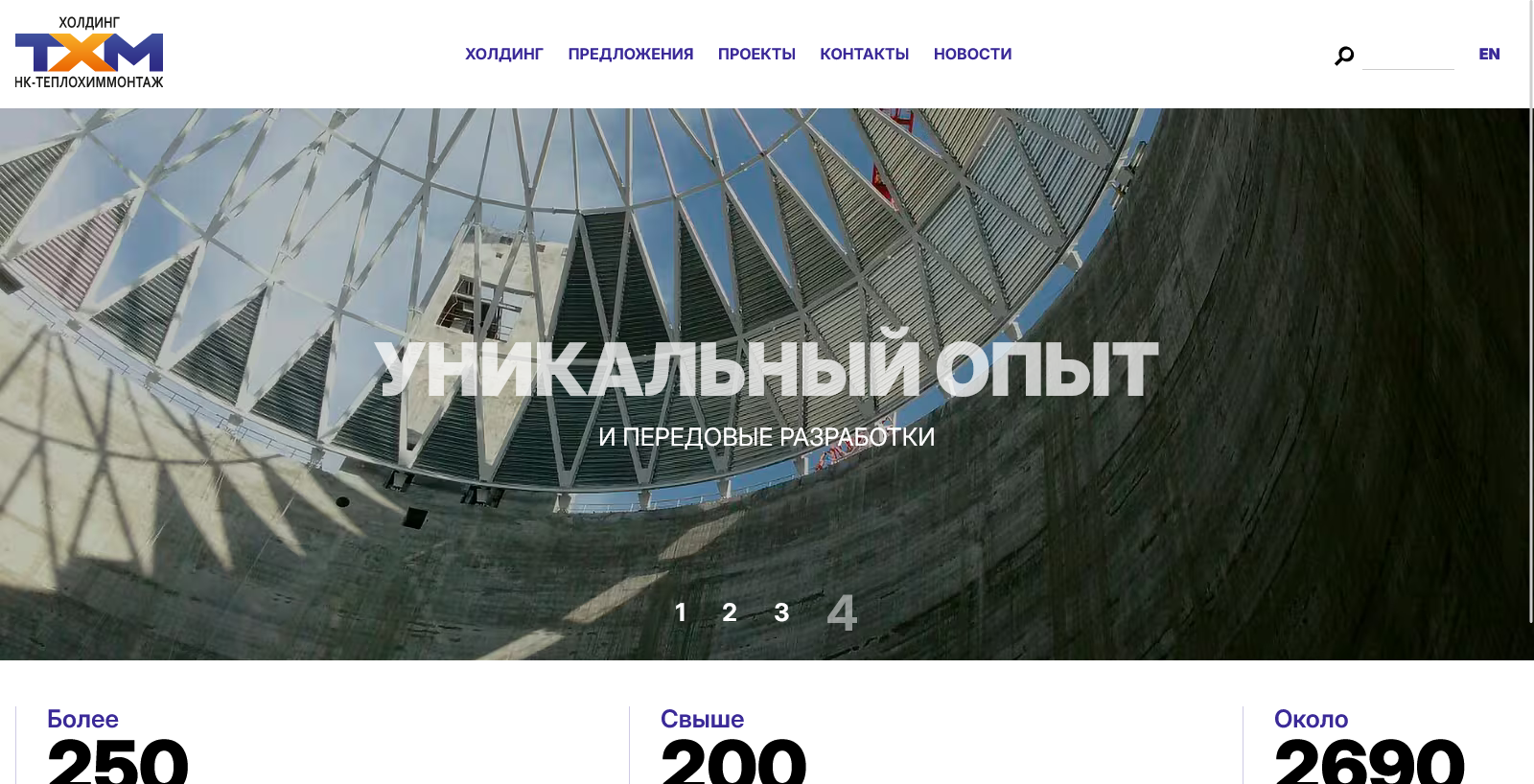
Teplokhimmontazh 3.0: from WordPress to ProcessWire
The third version of the Teplokhimmontazh holding’s website: a move from WordPress to ProcessWire — with the content carried over from the old site, and a structure in which almost every entity is linked to others.