Onmed: booking a doctor right on the site — Medflex in branded widgets on web components
A patient books a doctor in four steps without leaving the page: the widgets weigh 7.5 KB, and the slow and not always stable Medflex hides behind our API.
The task
Integrate the Medflex appointment booking system into the existing ProcessWire site of the Onmed medical centre: a patient should book a particular doctor right from that doctor’s page, without leaving for a third-party service.
Why our own widgets
Medflex offers several ways to integrate, including ready-made buttons and its own widgets. We chose our own widgets on top of the API: they give the most flexibility, speed and convenience for patients — booking looks like part of the Onmed site, not an embedded foreign window.
But this path has a weak spot: the Medflex API is unstable and sometimes answers with a noticeable delay. If the widgets talked to it directly, every Medflex hiccup would become a hiccup on the clinic’s site.
So the frontend is native web components, and between them and Medflex sits an intermediate API on our server that handles all communication with Medflex.
Four steps
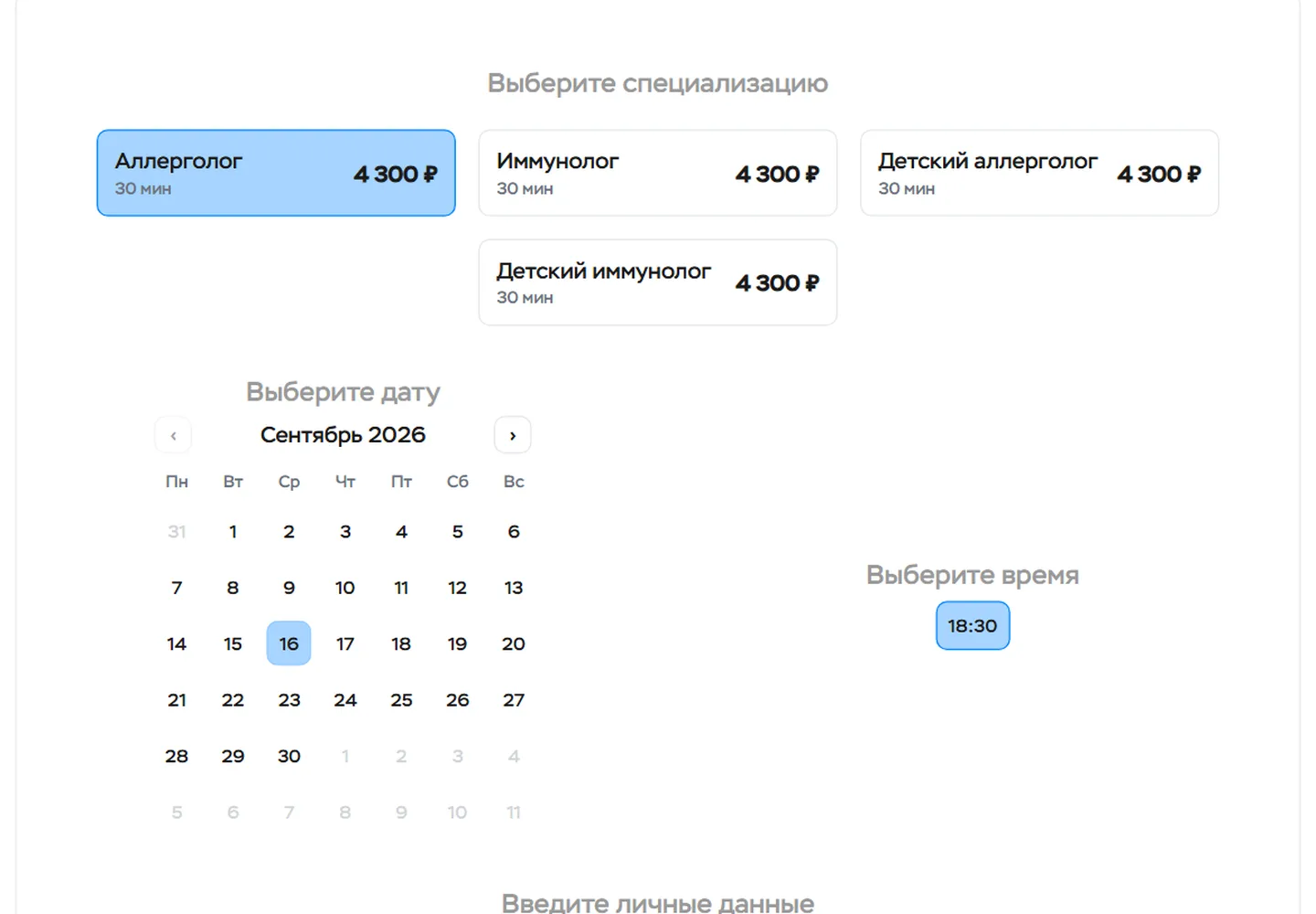

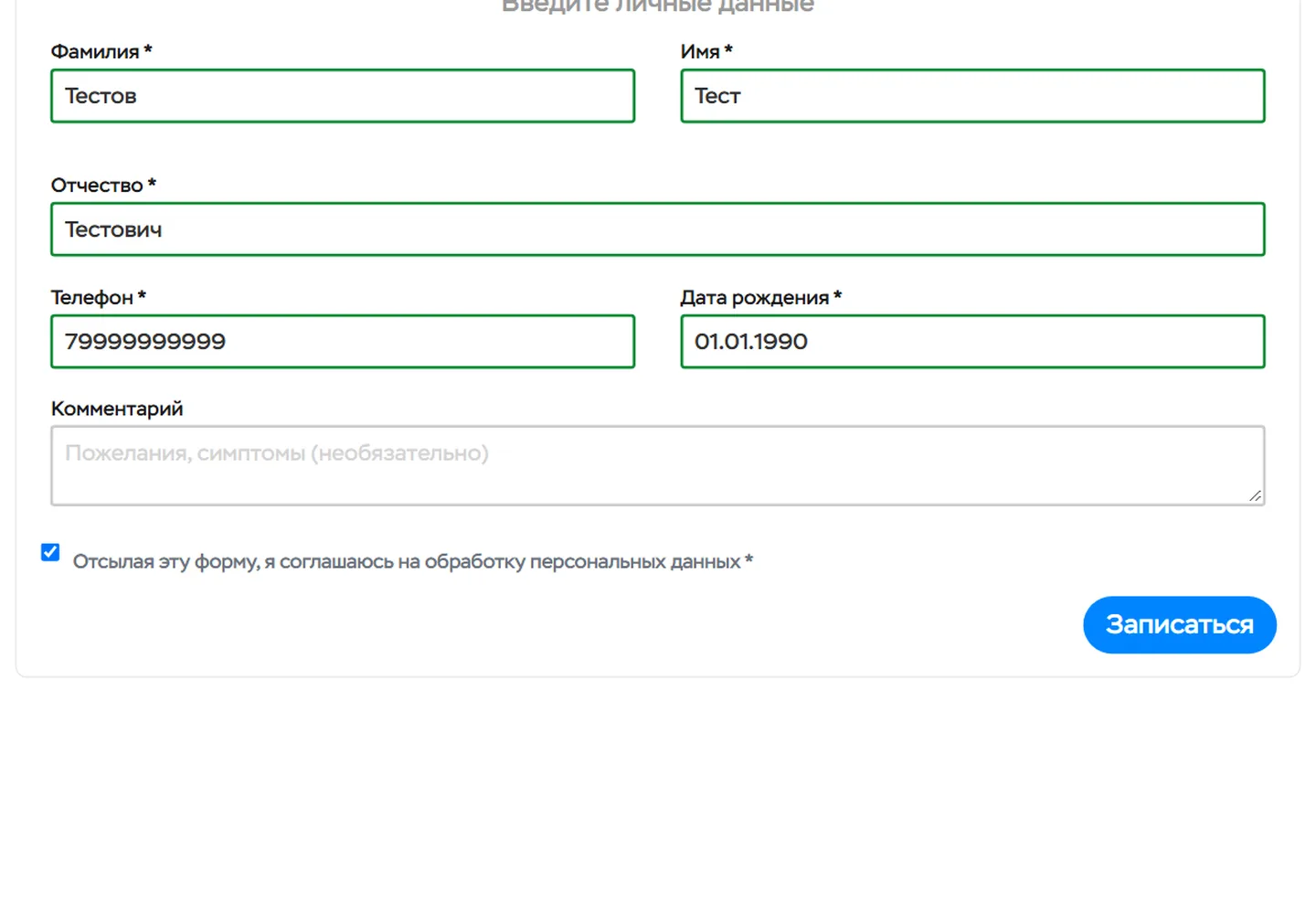

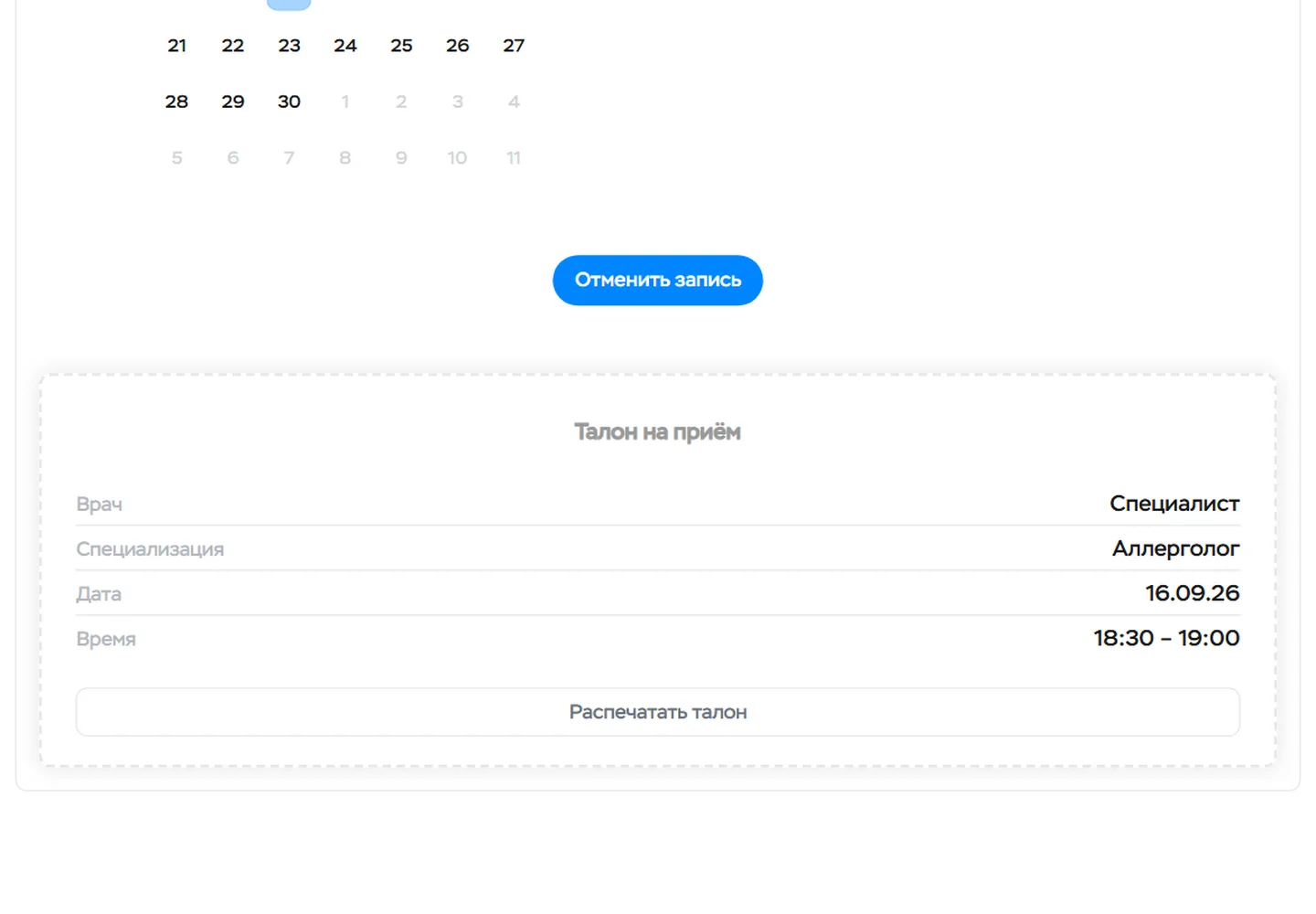

Specialty and day, time, patient details — and an appointment slip that can be printed or cancelled
Native web components
Two tags are the whole booking. <appointment-specialist> shows the doctor’s specialties with prices, a calendar and free times, and <appointment-form> shows the patient form and the slip. The choice passes from one component to the other through ordinary attributes, and booking goes into a doctor’s page with one line.
No framework and no Shadow DOM. The components are written in TypeScript and each is built separately: the time picker weighs 4.4 KB and the form 3.1 KB compressed. They render straight into the page markup, so they use the site’s styles and its form validator, and they pick up Onmed’s brand colours through CSS variables.
Booking on a doctor’s page
<!-- a doctor’s page: one line, the component does everything else itself -->
<appointment-specialist doctor_id="1151138"></appointment-specialist>

<!-- once a time is chosen, the component adds the form with that slot itself -->
<appointment-form doctor-id="1151138" service-id="…" price="4300"
  start-time="2026-09-16 18:30" duration-min="30"></appointment-form>
The doctor’s Medflex id is stored on the doctor’s card in ProcessWire.
The intermediate API
The site does not wait for Medflex. Doctors and specialties are cached on our server for 12 hours and served at once, without calling Medflex. If Medflex does not answer or answers with an error, the widget shows the last saved data rather than an empty screen.
Fresh only where it matters. The schedule is requested anew every time, so the patient sees times that are really free; if Medflex returns an incomplete schedule, the widget shows what there is and warns about it.
The key stays on the server. The browser never calls Medflex directly, so the access key never reaches the page, and Medflex’s answers are reshaped into a form that suits the widgets.
Checked before sending. The form fields are checked on the server by the same rules before booking, and the appointment is created in Medflex at once — with a slip on the screen and a cancel button.
More cases
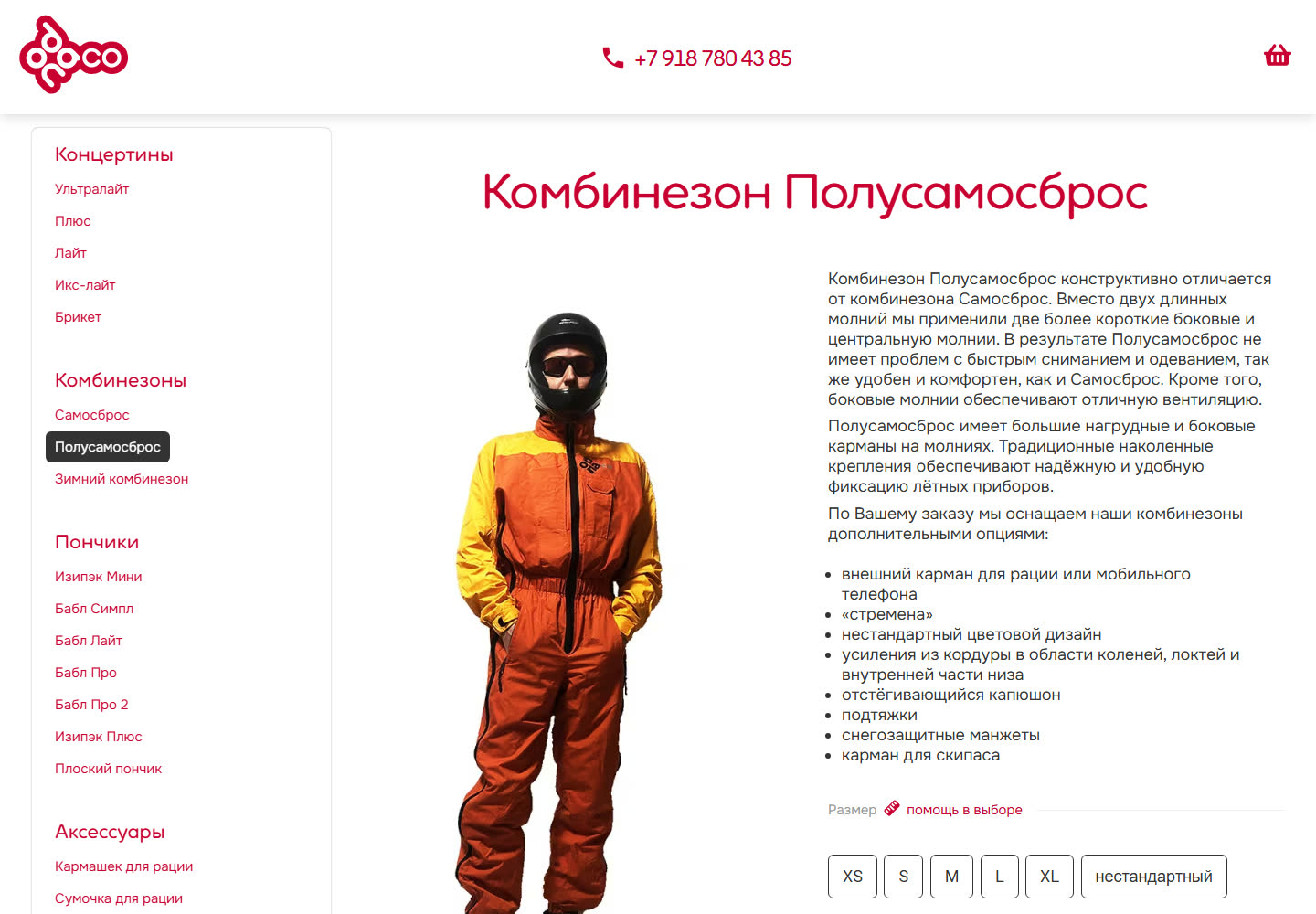
odnaco.me: a flight-gear shop — from RiotJS to web components
The catalogue and shop of a paragliding gear maker: made-to-order flight suits with a configurator, a cart, checkout and orders — on ProcessWire, with no off-the-shelf shop platform. The frontend, started on RiotJS 3, has been rewritten as native web components with no framework.

testfly.me: the test bed we prove our own solutions on, and a paraglider gear publication
Independent test reports on paragliders, harnesses and instruments — and our own site, where every new solution is proven on ourselves before it reaches a client project. OutputTransformer and StaticPages both started here.

Teplokhimmontazh 3.0: from WordPress to ProcessWire
The third version of the Teplokhimmontazh holding’s website: a move from WordPress to ProcessWire — with the content carried over from the old site, and a structure in which almost every entity is linked to others.