купи-медцентр.рф: a landing page on Astro that weighs less than one photograph
The page weighs 57 KB instead of 1.3 MB: ready-made HTML with no framework in the browser, and images that Astro itself cuts to the size of the screen.
The task
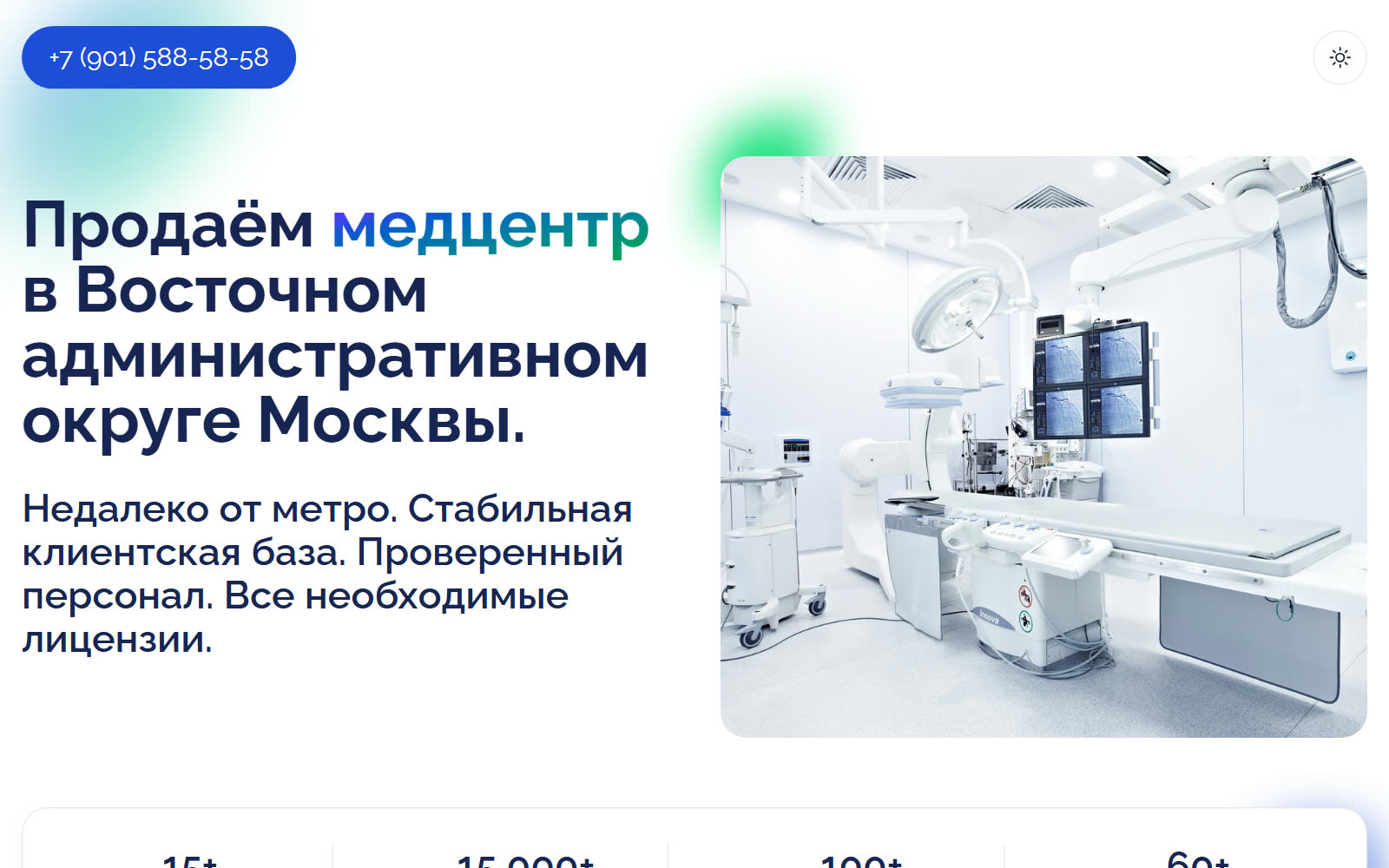
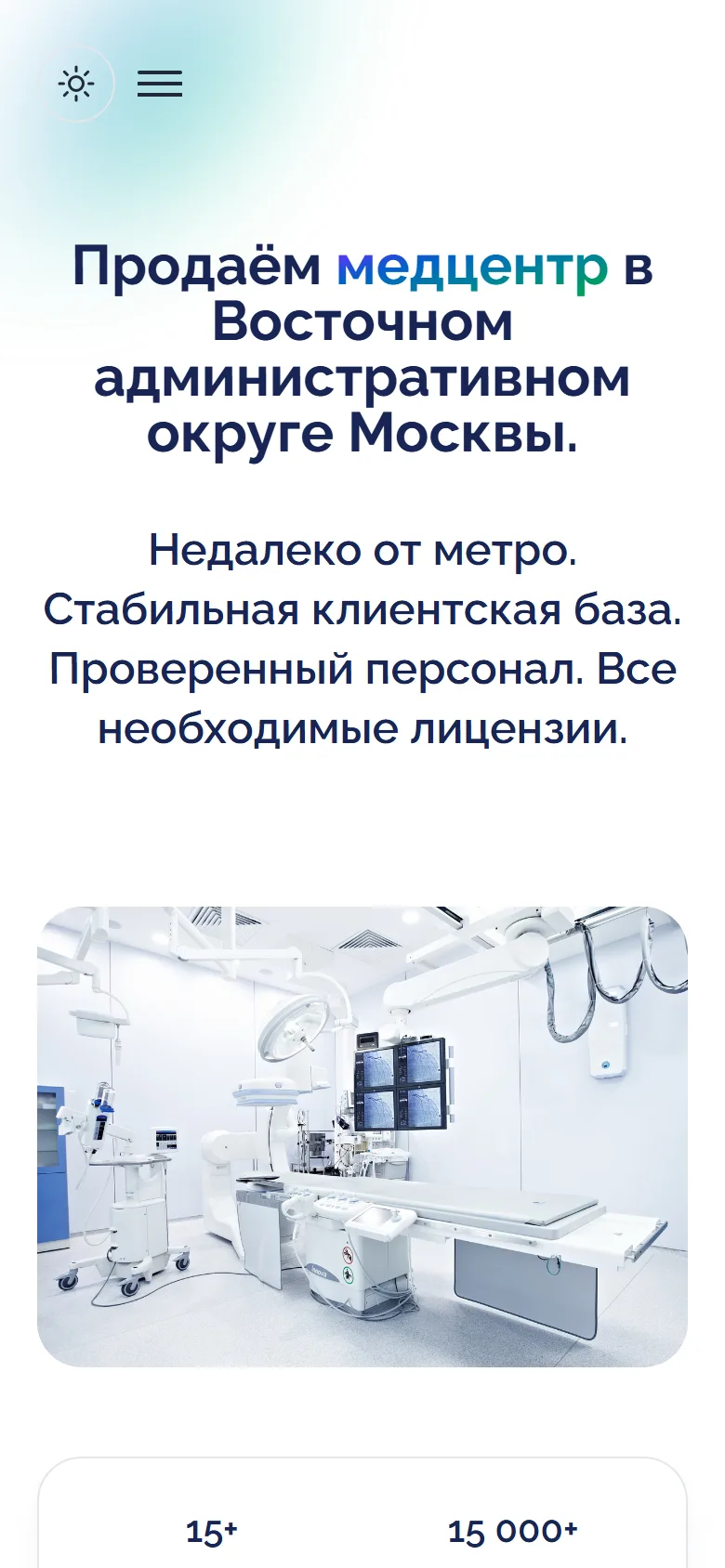
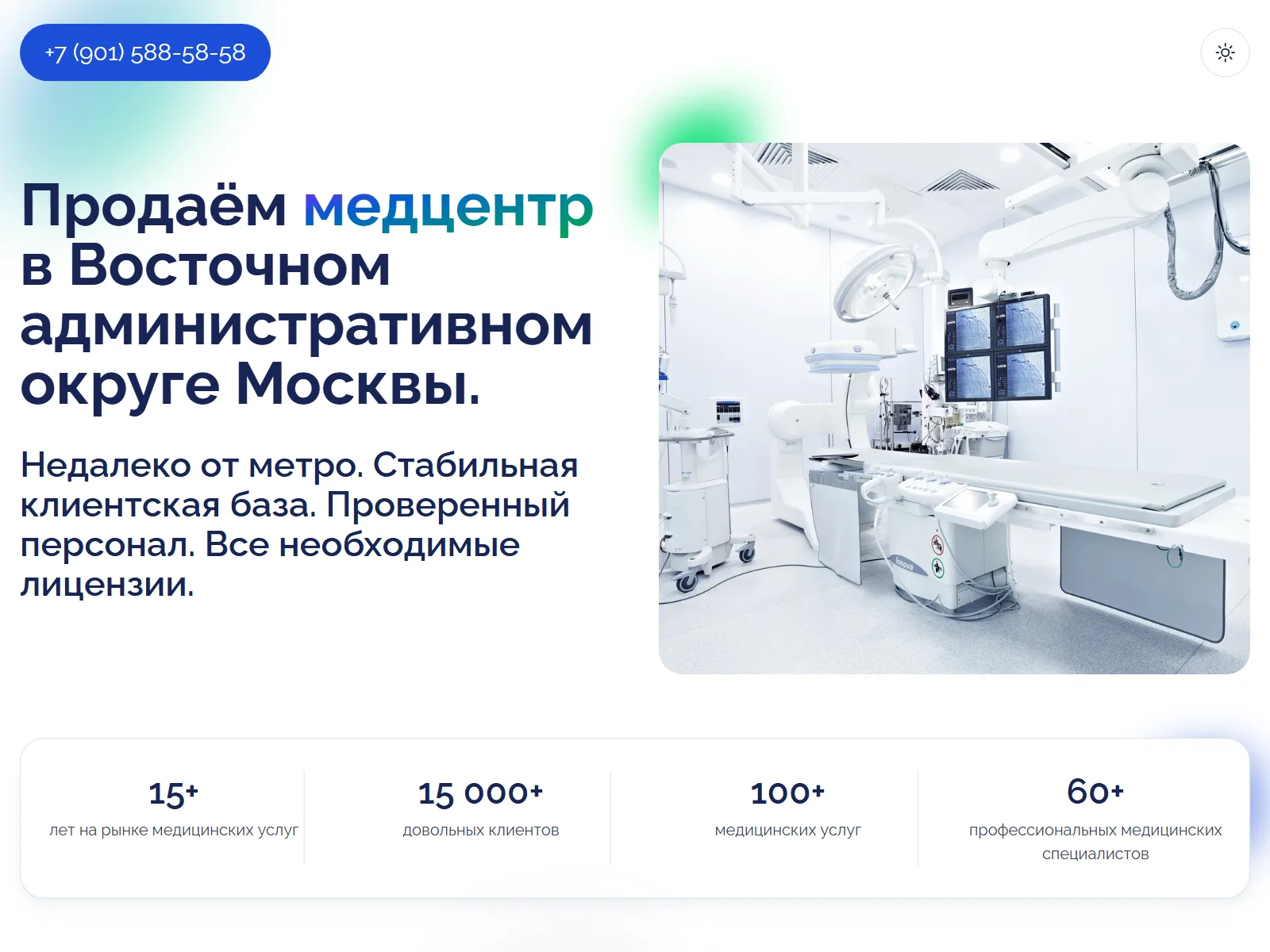
A running business was put up for sale, and the listing needed a site of its own. Not a catalogue and not a blog — one page: what is for sale, the key figures, why it is a good deal, and a big call button.
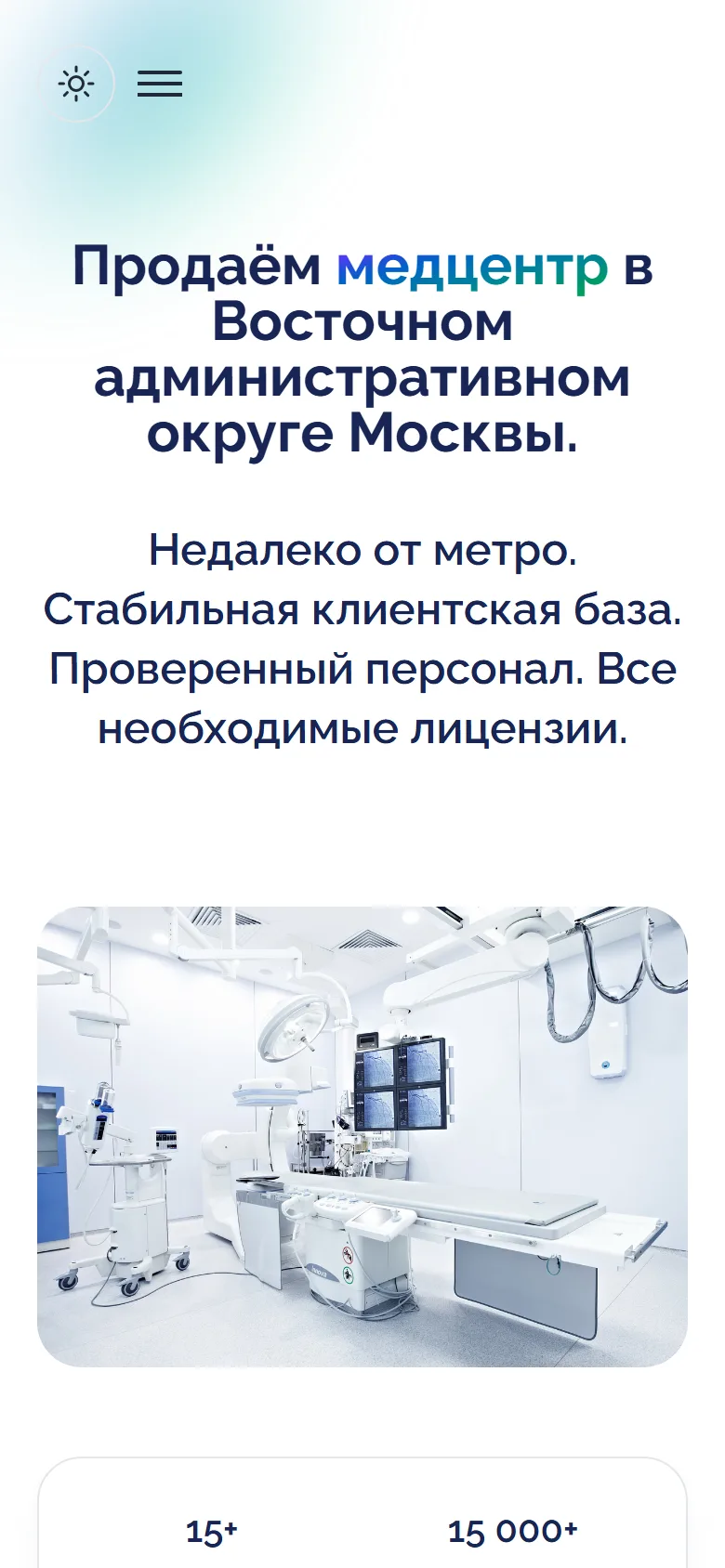
Links like this are opened from listings and messengers, most often on a phone and on the move. So the page has to appear at once, even on a weak mobile connection.
The first screen
Why Astro
Ready-made HTML instead of an application. Astro builds the site in advance: the browser gets an ordinary page, not JavaScript that builds it on the spot. This site’s HTML weighs 5 KB compressed, the styles 6 KB.
Islands when they are needed. If the page ever needs a calculator or a form in React, Vue or Svelte, Astro adds such a component as a separate “island”, and its code loads only for that piece of the page. None were needed here: the theme switch and the mobile menu are two short inline scripts.
Quick to build. The layout is Tailwind CSS 4 through Vite, and the HTML is also minified at build time. The site grew out of a ready-made theme reworked for the task and builds in a couple of seconds.
Images: 1.3 MB → 46 KB
The first version of the page weighed 1.36 MB, and almost all of it was three images: the first-screen photo as a JPG and two PNGs with a transparent background, one of them 838 KB. A phone got the same files as a big monitor.
Now the images go through Astro’s built-in <Picture> component. At build time it cuts each one into several sizes, in AVIF and WebP, keeps the transparency, and tells the browser which size is needed for which screen. The first photo loads first, the rest only when they are scrolled to. On a computer all three images now weigh 46 KB, on a phone 65 KB.
One image — many sizes
---
import { Picture } from "astro:assets";
import photo from "../../assets/images/photo.png";
---

<!-- at build time: 3 sizes × AVIF and WebP, transparency kept -->
<Picture src={photo} formats={["avif", "webp"]} fallbackFormat="webp"
  widths={[360, 540, 806]} sizes="(max-width: 640px) 300px, 360px"
  alt="…" />
Sizes and formats are described once in the markup; Astro generates the files itself on every build.
Light and dark themes
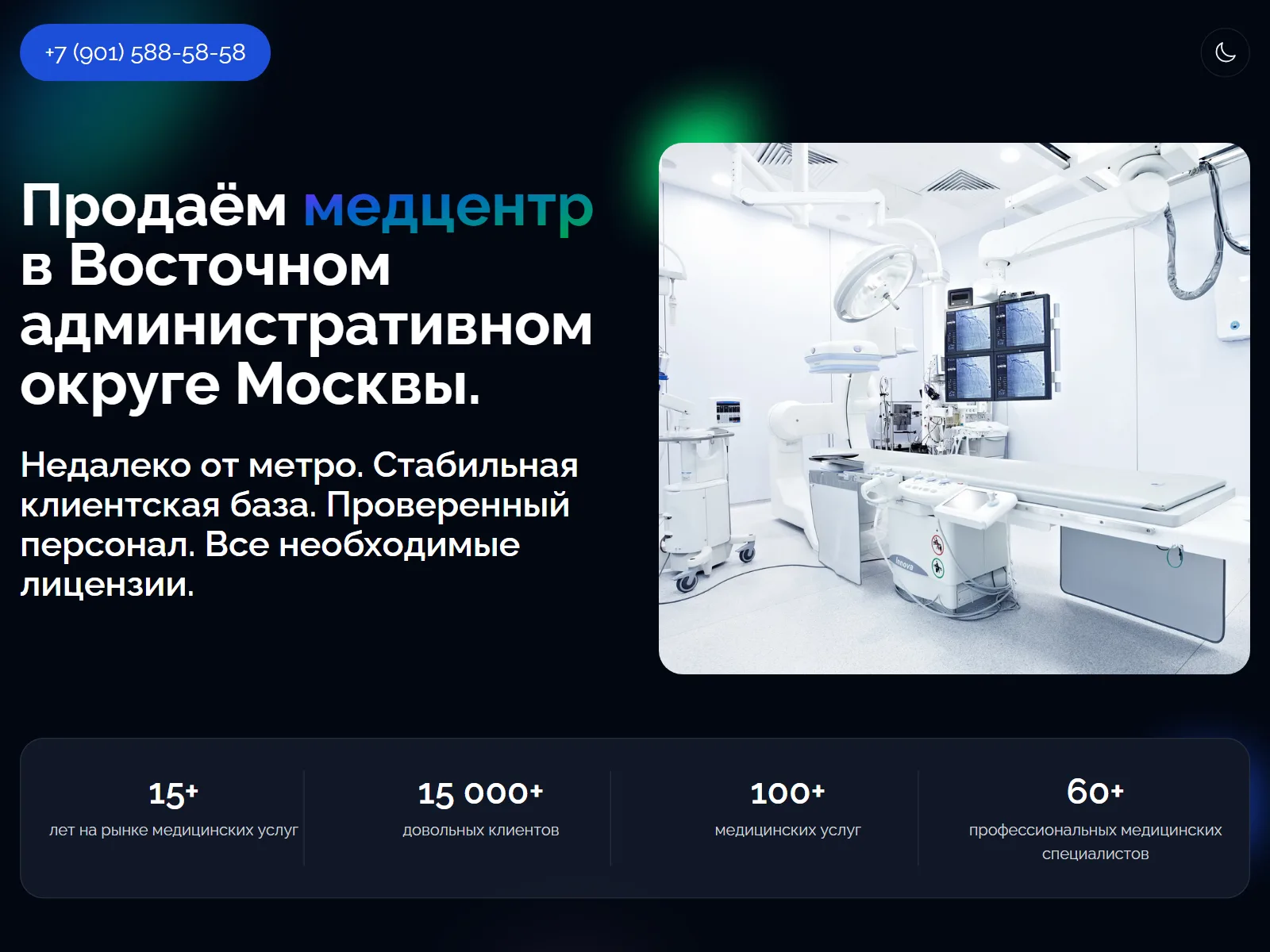
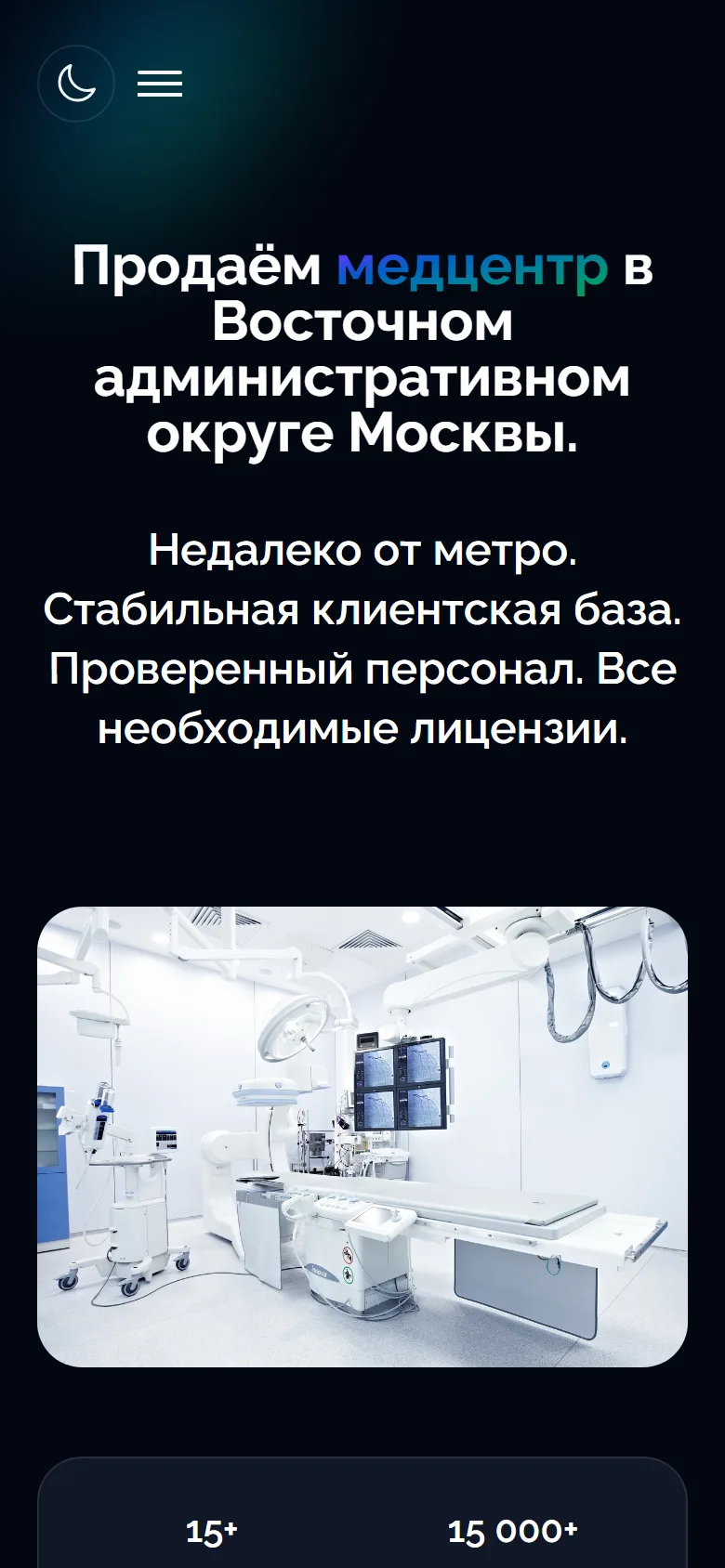

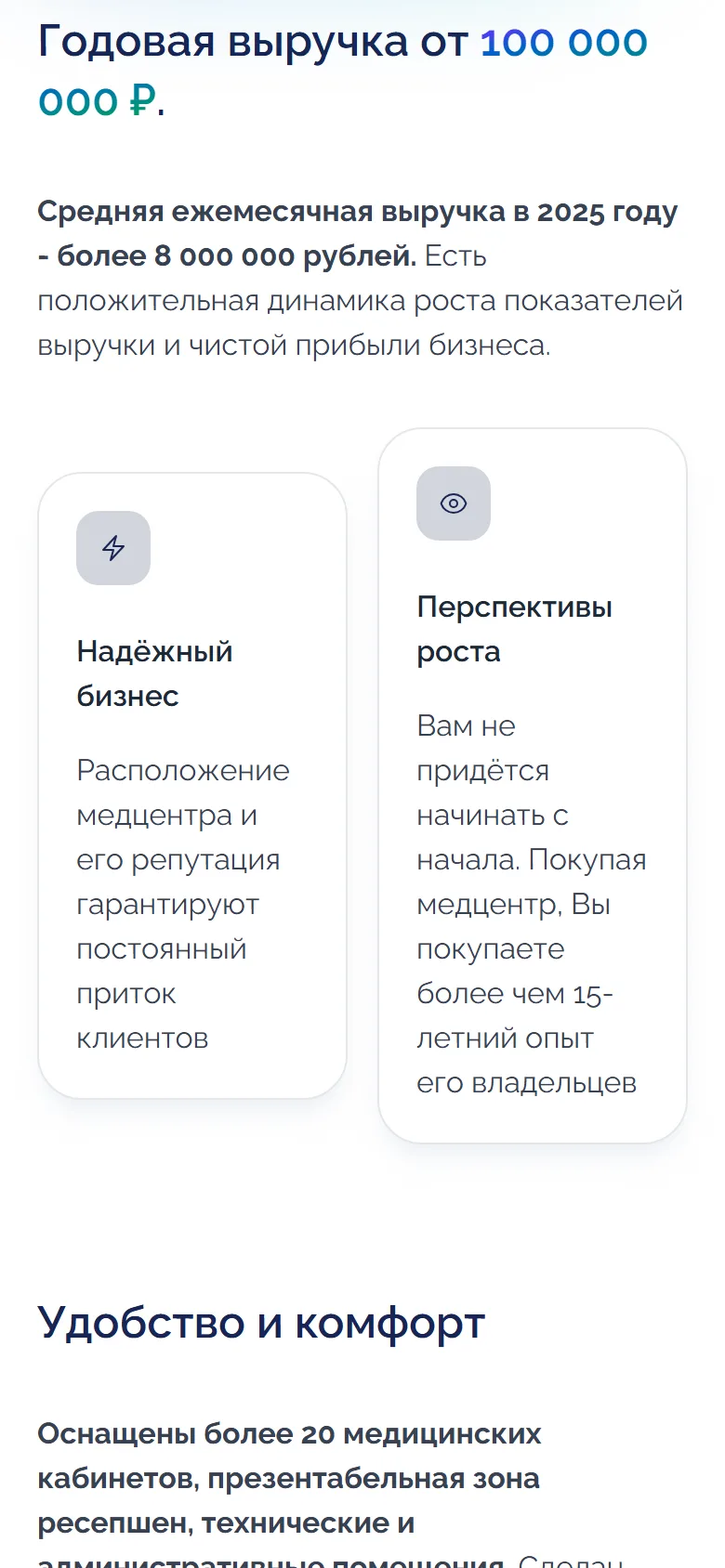
The dark theme turns on by itself if the phone or computer is set that way, and switches with a button
Calls and analytics
The page’s goal is a call, so the phone number sits in the header (in the menu on a phone) and as a big button in the final block, and tapping it starts the call at once. Yandex Metrica counts not only visits but also taps on the number, so you can see how many people got as far as calling.
More cases
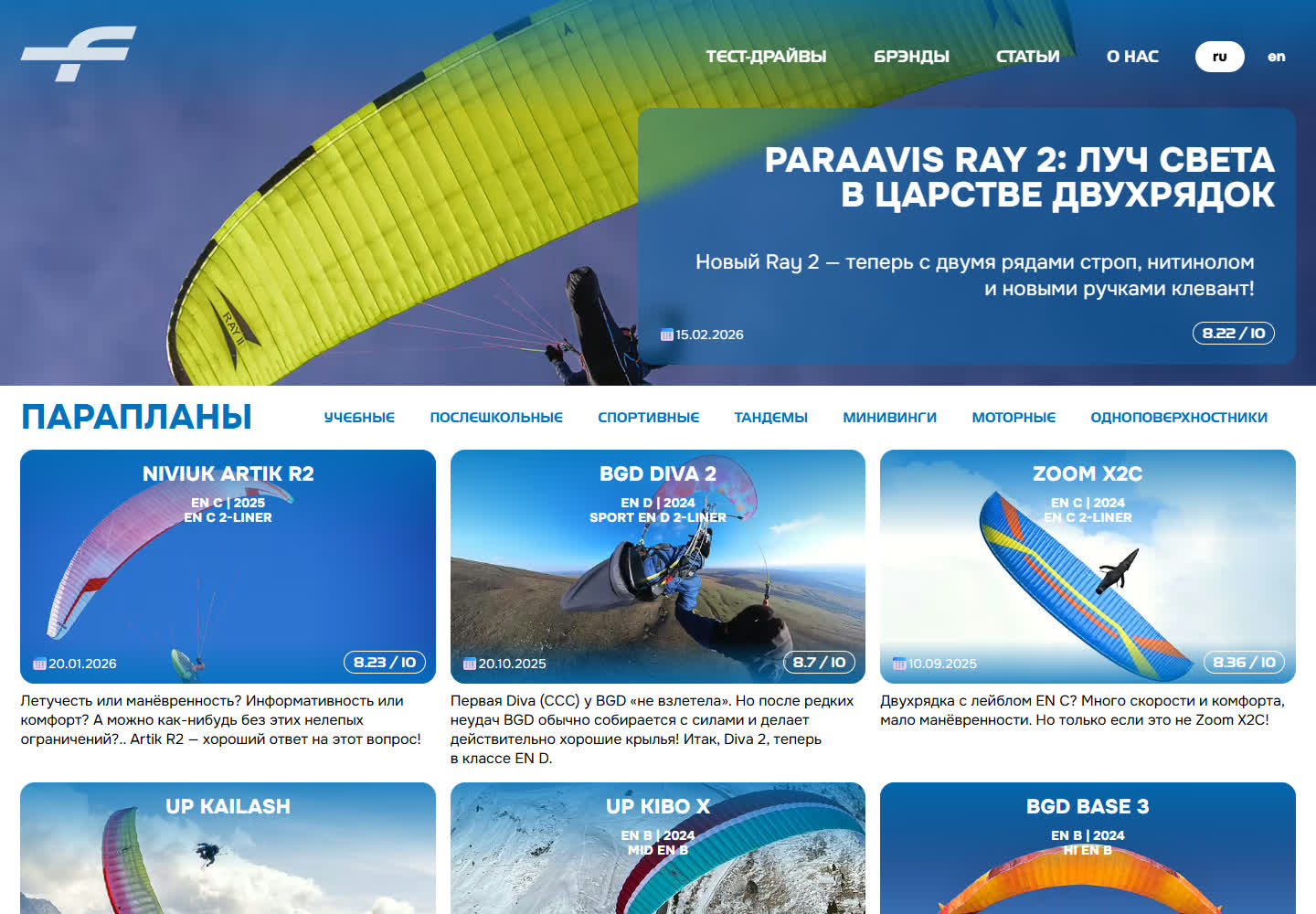
testfly.me: the test bed we prove our own solutions on, and a paraglider gear publication
Independent test reports on paragliders, harnesses and instruments — and our own site, where every new solution is proven on ourselves before it reaches a client project. OutputTransformer and StaticPages both started here.
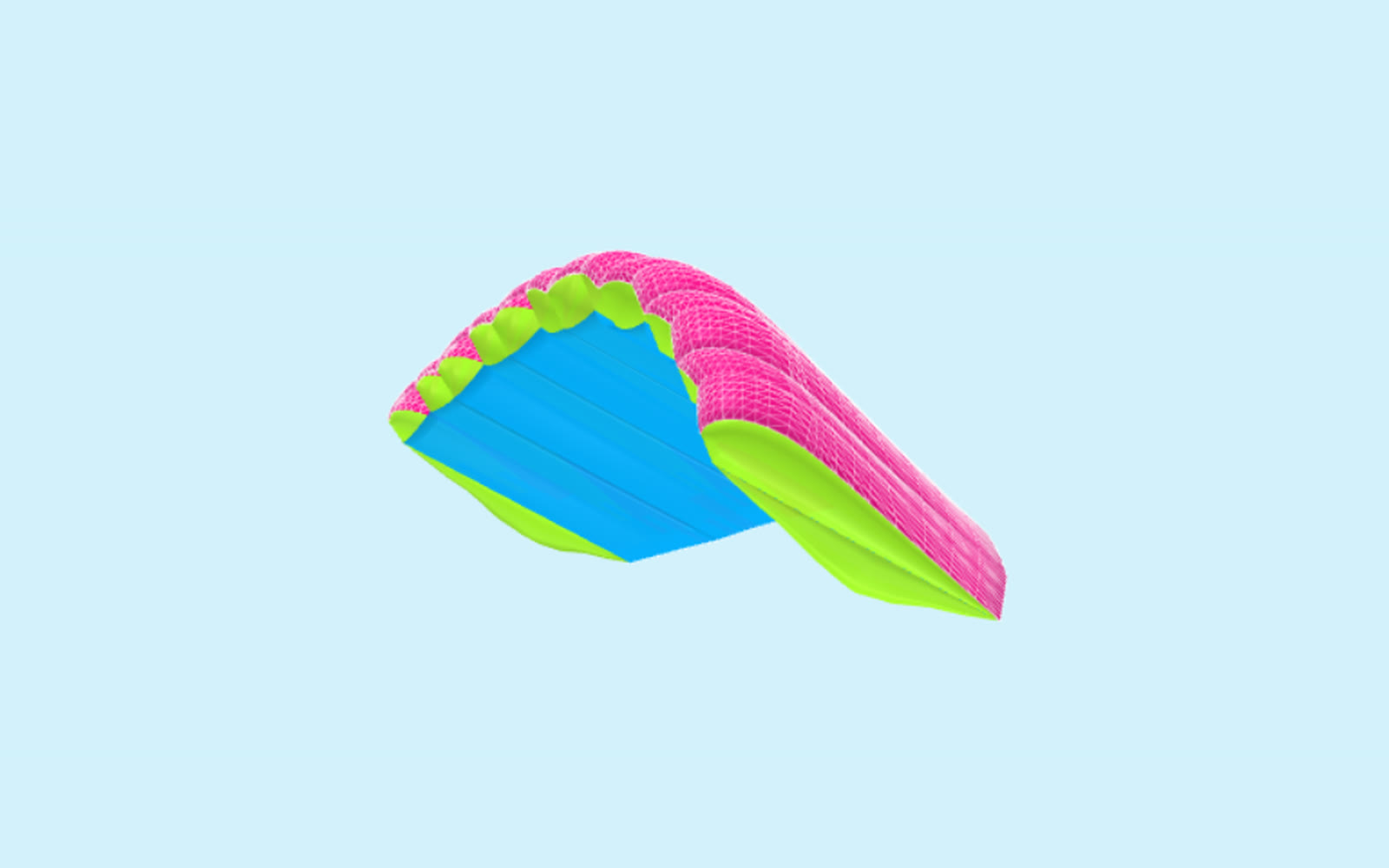
ParAAvis: a 3D parachute colour customizer — from a section’s colour to the factory’s order form
A customizer on the ParAAvis parachute factory site: the buyer colours a canopy in 3D with the fabrics the factory actually sews and downloads a filled-in order form. The models were built by our 3D modelling group.
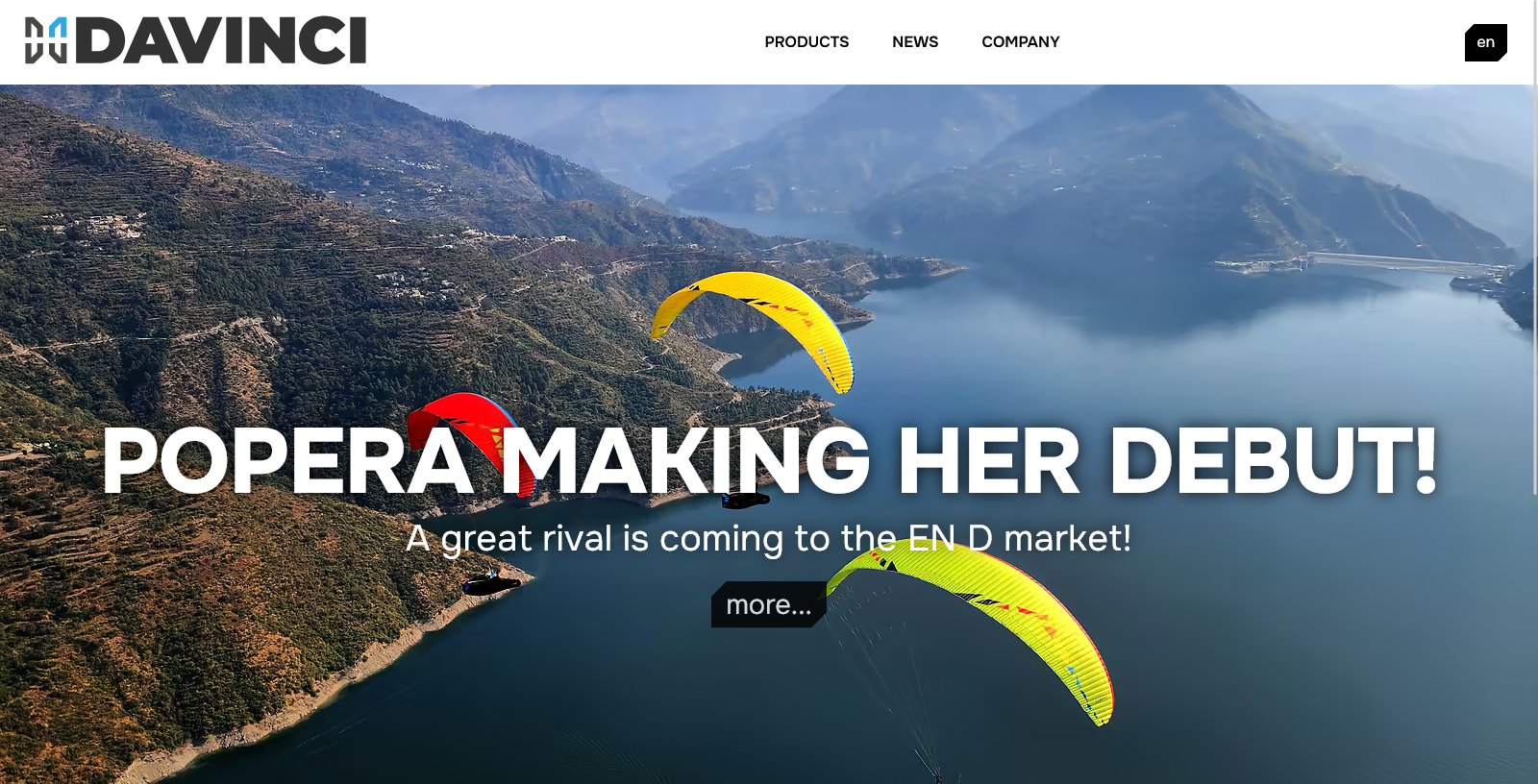
DaVinci Gliders 2.0: a paraglider manufacturer site in eight languages
The second version of a Korean paraglider maker’s website: catalogue, news and eight languages from one admin.